

Description
Make Your Classroom Shine with the One Lucky Teacher St. Patrick’s Day Collection
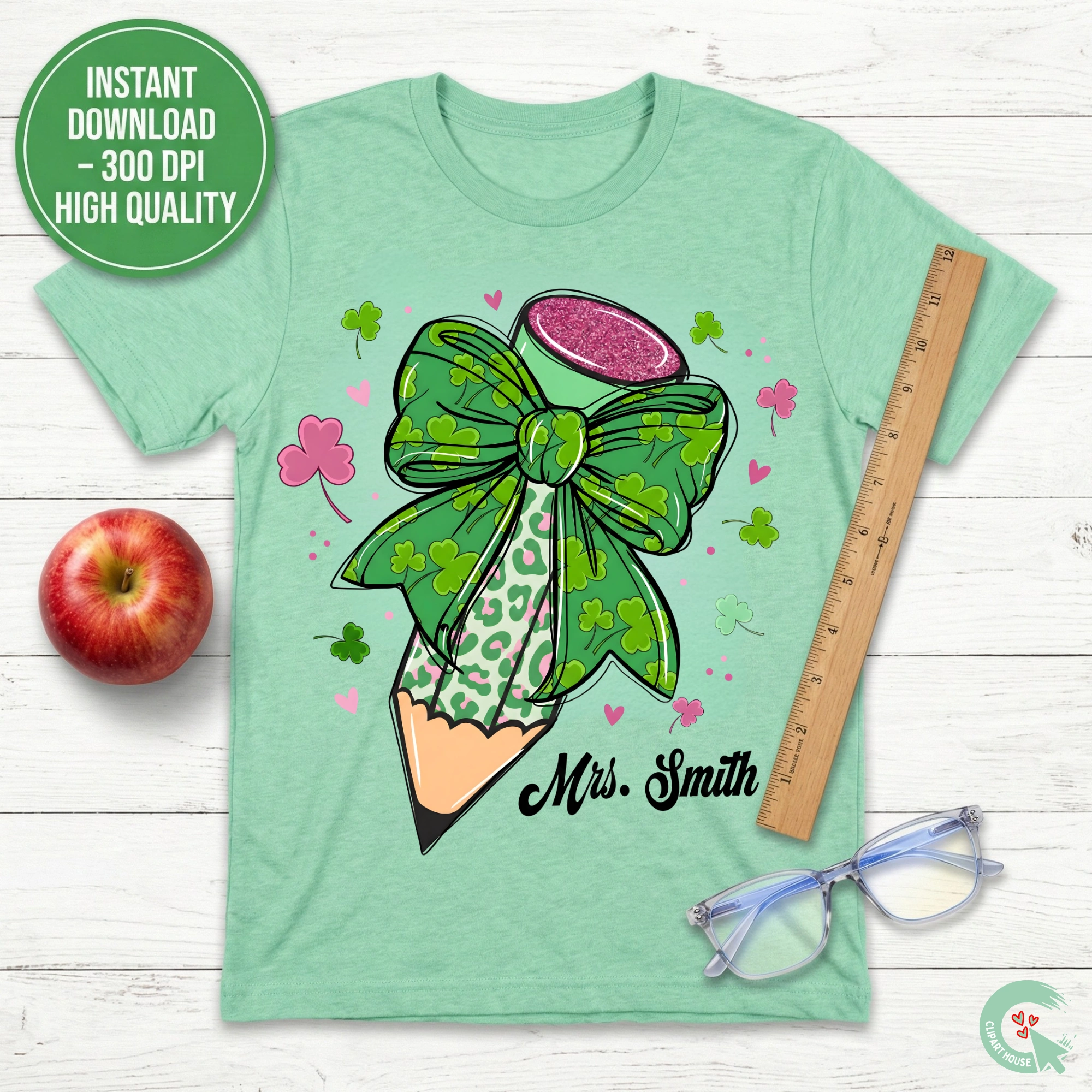
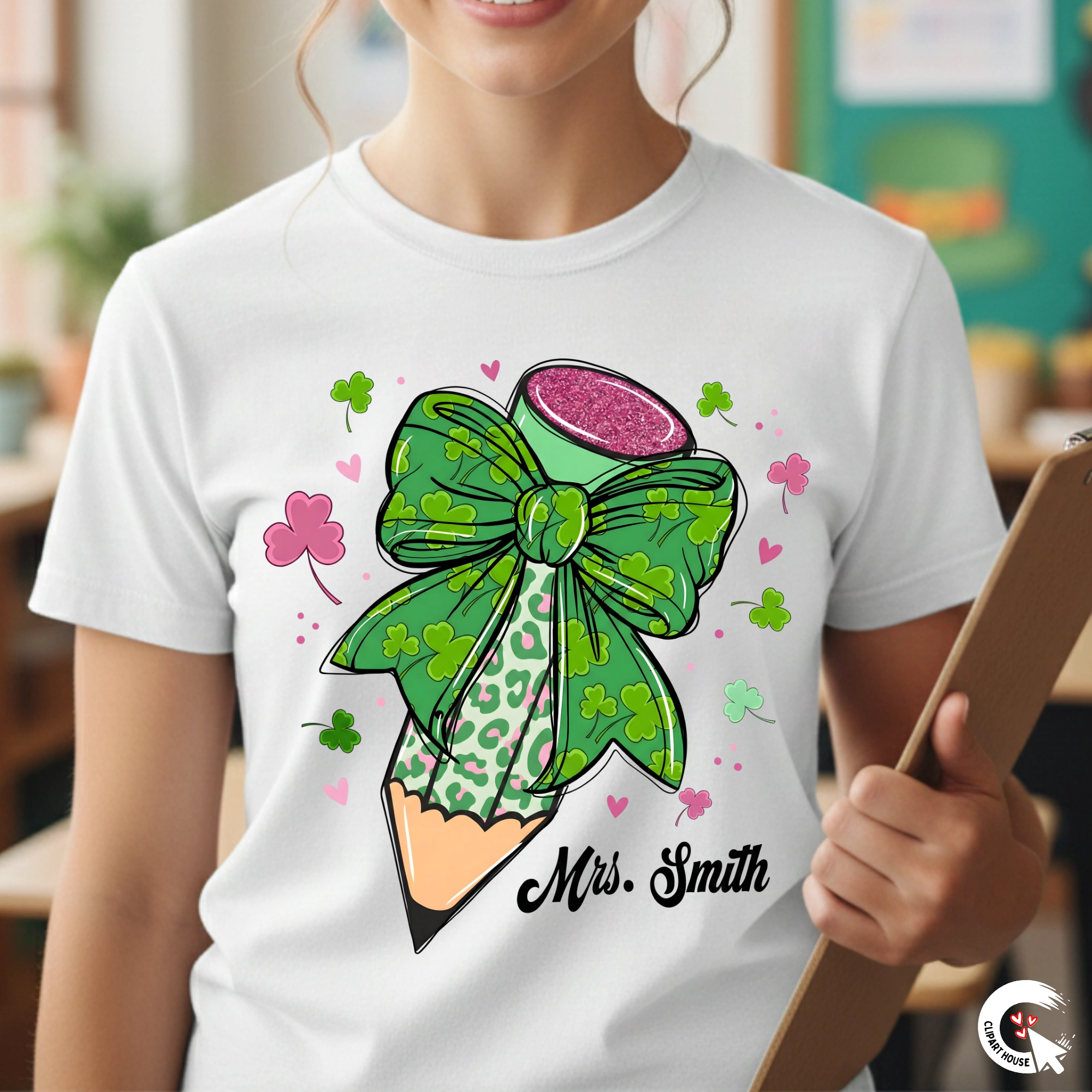
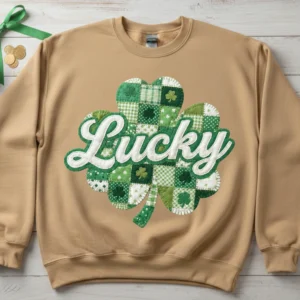
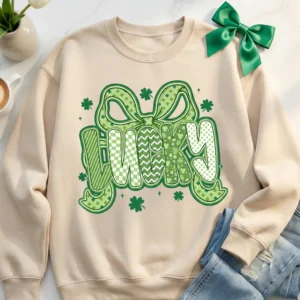
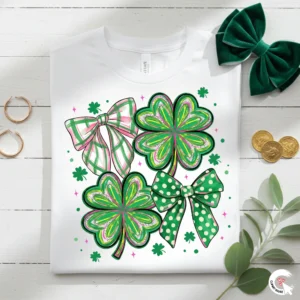
Are you ready to be the envy of the staff room this March? Elevate your teacher wardrobe with our exclusive Personalized St. Patrick’s Day Teacher PNG. Designed specifically for the modern educator who loves to blend professional spirit with trending fashion, this digital design merges the timeless luck of the Irish Shamrock with the bold, contemporary edge of Leopard Print.
In the world of education, every day is an adventure, but St. Patrick’s Day is a special opportunity to bring joy, color, and a little bit of magic into the classroom. Whether you are leading a Leprechaun Trap engineering project in a STEM class or reading Irish folklore during circle time, your outfit sets the tone. This design ensures you look festive, stylish, and undeniably Lucky.
Why This Design is the Ultimate Classroom Essential for 2026
1. A Modern Twist on Traditional Themes
For years, teacher apparel for St. Patrick’s Day was dominated by generic cartoons. The 2026 trend forecast shows a massive shift toward Retro-Coquette and Animal Print aesthetics. Our design captures this moment perfectly:
-
Leopard Print Texture: The four-leaf clover isn’t just green; it’s filled with a meticulously detailed leopard pattern in varying shades of emerald, Kelly green, and soft mint. This adds texture and visual interest that flat colors simply cannot match.
-
Retro Typography: The phrase One Lucky Teacher is rendered in a vintage-inspired serif font with a subtle drop shadow, evoking the nostalgic warmth of 1970s design—a style that is currently dominating Pinterest and Instagram feeds.
-
Gold Accents: We’ve incorporated digital glitter and gold stroke effects that print beautifully on sublimation blanks, mimicking the look of real foil without the hassle of weeding vinyl.
2. The Power of Personalization
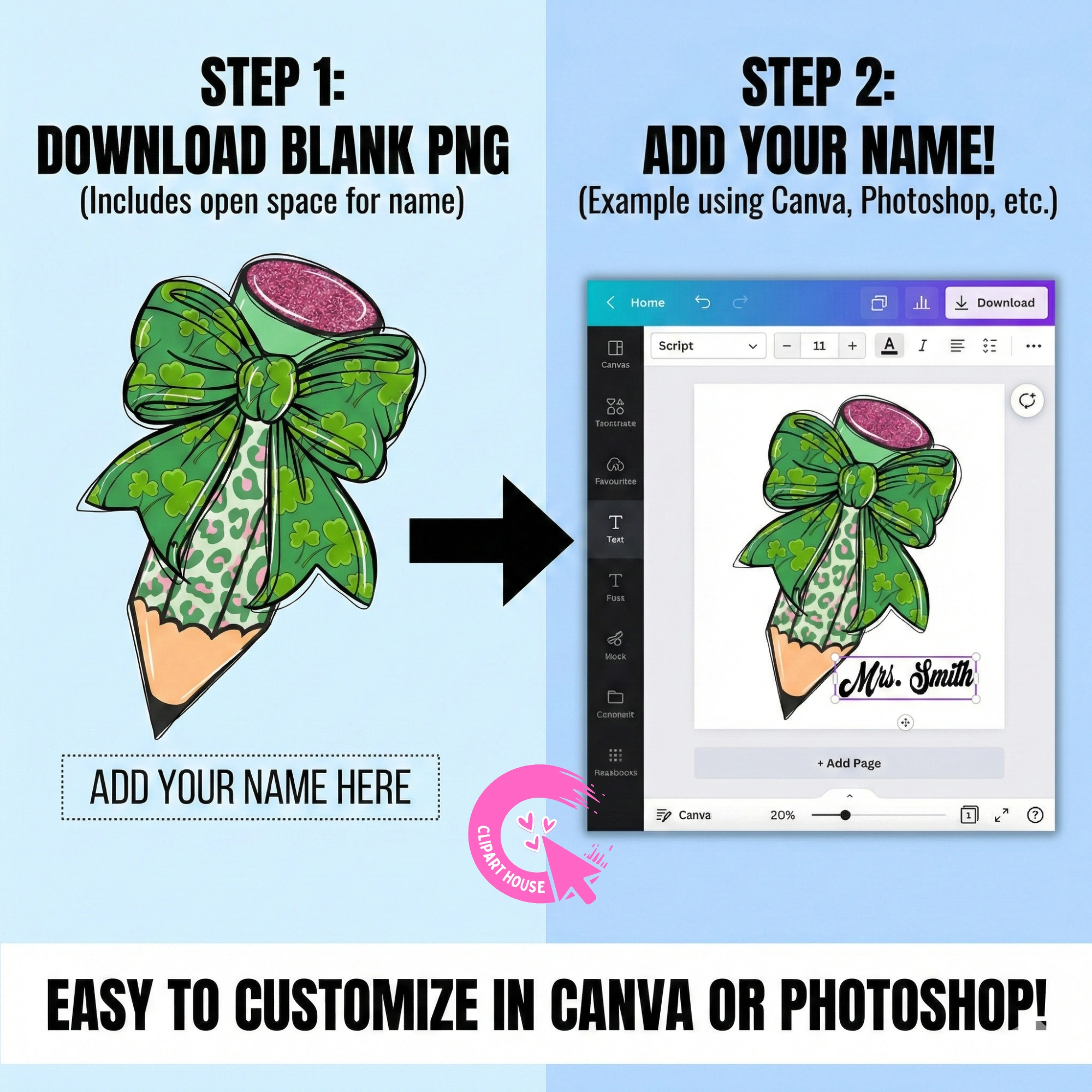
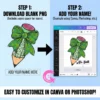
The most unique feature of this design is its customizability. The layout includes a dedicated space—stylishly integrated below the shamrock—where you can add your own name.
-
Identity & Pride: Wearing a shirt that says Mrs. Johnson or Mr. O’Malley reinforces your role as a leader in the classroom.
-
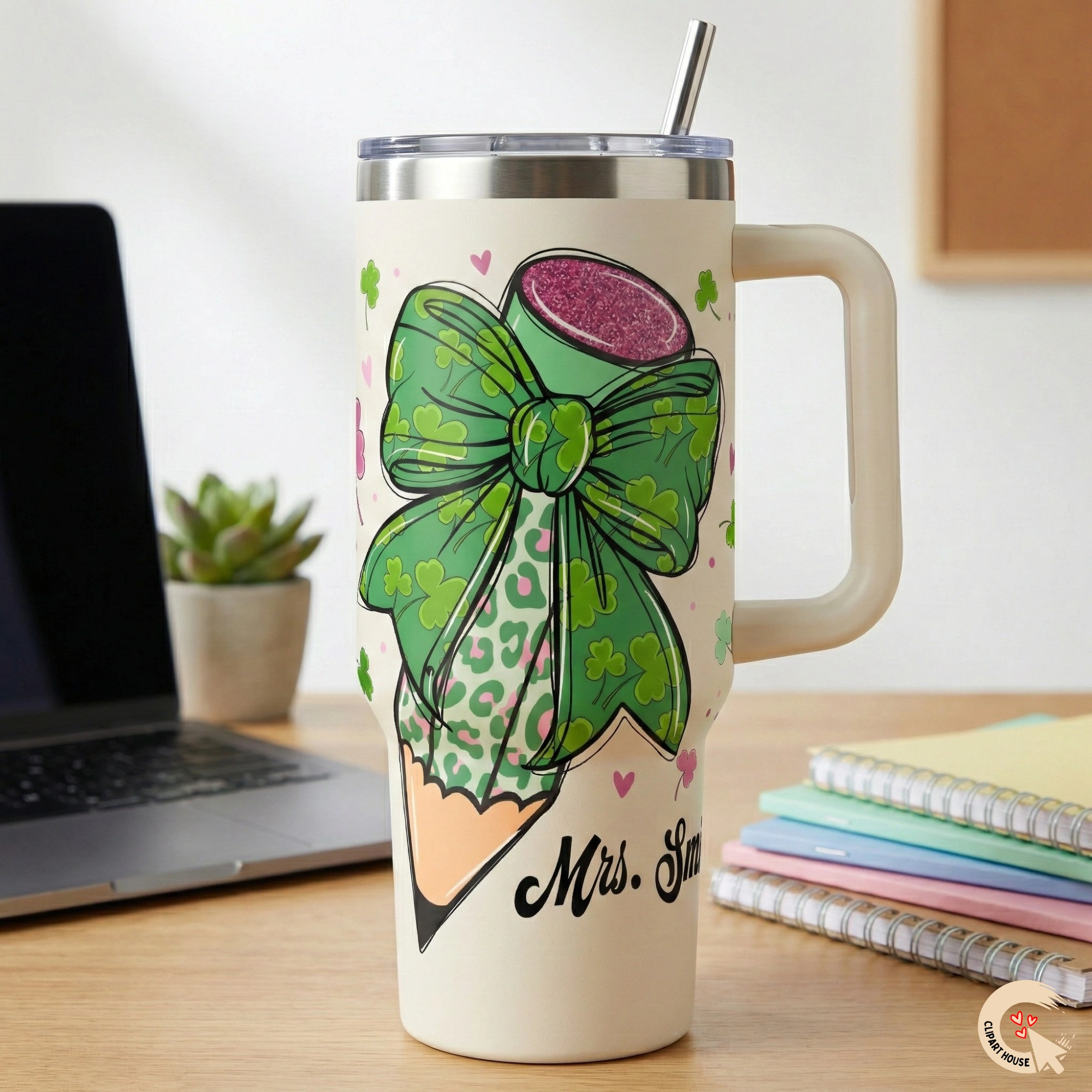
Loss Prevention: We all know the mystery of the disappearing teacher mug! By sublimating your name directly onto your drinkware, you ensure your coffee cup always finds its way back to your desk.
-
Team Unity: Purchase one file and create matching shirts for your entire grade-level team. Imagine the impact of the whole Third Grade team walking into the assembly wearing coordinated Lucky Teacher shirts!
3. Unmatched Versatility with Digital Downloads
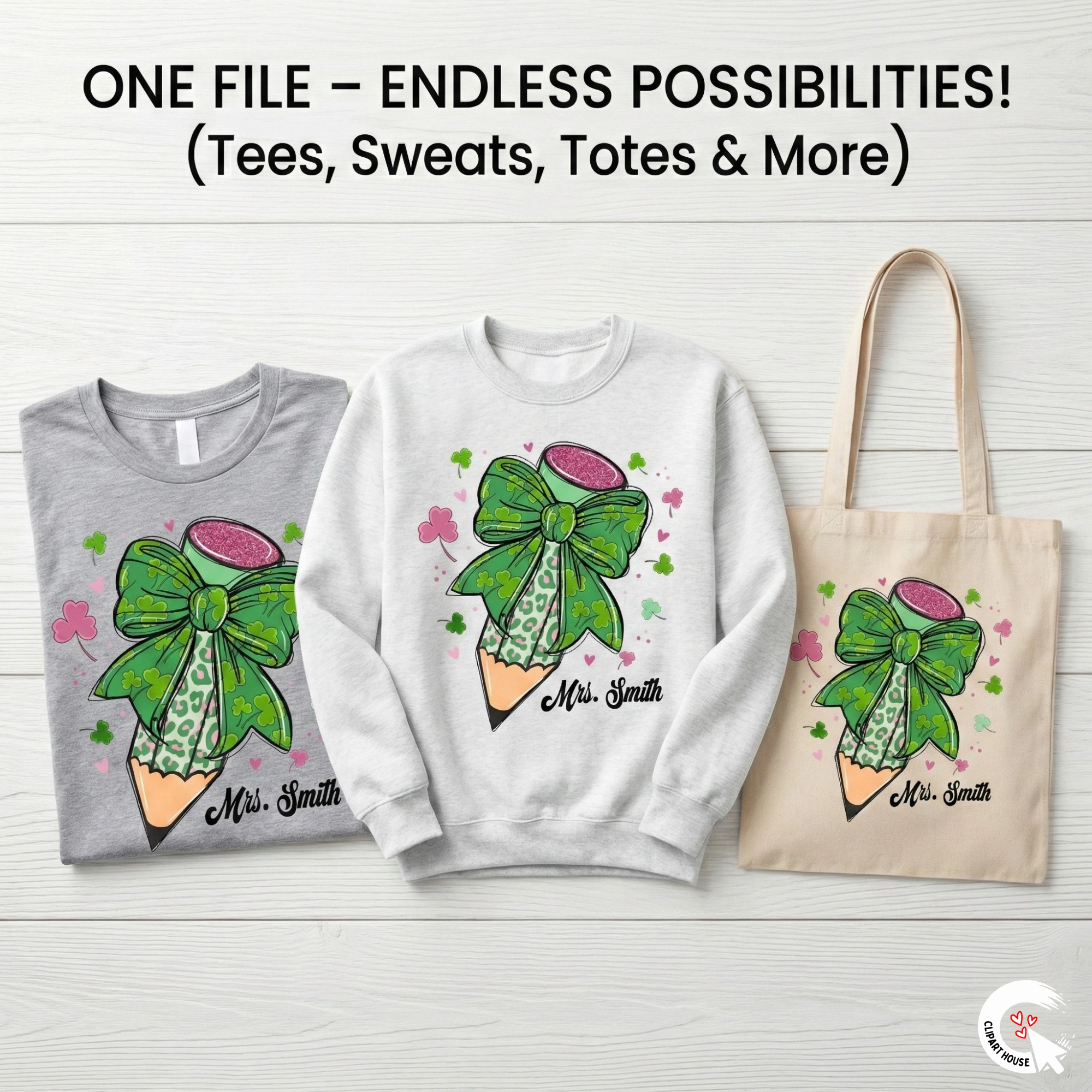
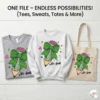
When you purchase this St. Patrick’s Day PNG, you aren’t buying a single shirt; you are buying the potential to create hundreds of products. Because this is a digital asset, you can use it across a variety of mediums using Sublimation or Direct-to-Film (DTF) technology.
| Project Idea | Description |
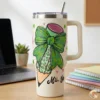
| The Friday Tee | Print onto a soft, bleached heather green t-shirt for a vintage look. |
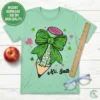
| The 40oz Tumbler | Wrap your favorite hydration cup in lucky leopard print. |
| The Tote Bag | Create a sturdy canvas bag for carrying grading papers home. |
| Classroom Decor | Sublimate onto an aluminum sign for your door: One Lucky Teacher works here! |
| Mouse Pad | A subtle pop of festive cheer for your desk setup. |
Technical Specifications: Engineered for Professional Results
We understand that as a creator, the quality of your source file determines the quality of your final product. A pixelated image can ruin an expensive sublimation blank. That is why our files are created by professional graphic designers with print production in mind.
-
File Format: PNG (Portable Network Graphics). This format supports transparent backgrounds, meaning you can place the design on any color shirt (though white/light polyester is best for sublimation) without a white box appearing behind it.
-
Resolution: 300 DPI (Dots Per Inch). This is the industry standard for high-quality print. At 12 inches wide, the image remains crisp and sharp, with no jagged edges or blurriness.
-
Color Profile: sRGB. Optimized for the gamut of standard sublimation printers (Sawgrass, Epson F-series).
-
Compatibility: Works seamlessly with all major design software, including Canva, Adobe Photoshop, Adobe Illustrator, CorelDraw, Silhouette Studio (Business Edition), and Cricut Design Space (Print Then Cut).
Step-by-Step Guide: How to Personalize and Print
Step 1: Download & Unzip Upon purchase, you will receive an instant link to download your file. (Great for our Canadian friends—no waiting for cross-border shipping!). Unzip the folder to access your high-res PNG.
Step 2: Open in Software
Import the PNG into your preferred design software.
-
Canva Users: Upload the PNG, place it on your canvas, and use the Text tool to type your name. Choose a bold, cursive font to match the Coquette vibe or a block serif to match the retro look.
-
Photoshop Users: Place the PNG on a layer. Add a text layer above it. Use a Clipping Mask if you want your text to also have a leopard pattern!
Step 3: The Critical Mirror Step
If you are doing Sublimation, you MUST mirror (flip horizontally) your entire design before printing. If you read the text on your screen, it will print backward on your shirt!
-
Note for DTF: Direct-to-Film printers generally do not require mirroring, but always check your manufacturer’s settings.
Step 4: Print & Press
-
Sublimation: Print on sublimation paper. Press at 385°F–400°F for 60 seconds on a 100% polyester garment for the most vibrant colors.








Reviews
There are no reviews yet.